Handshake
Handshake is the #1 way college students find jobs!
Handshake is a free tool for UW–Madison degree-seeking students and is the best way to connect with employers, find jobs and internships, and learn about career events hosted by career services offices and employers. Handshake is different from other job platforms because it is customized for UW–Madison students. All the jobs, events, and employers on Handshake are actively recruiting from UW–Madison!
UW–Madison degree-seeking students already have a Handshake account! All you have to do is activate it by logging in with your NetID through the mobile app or by visiting wisc.joinhandshake.com and making your profile public to employers.
Make sure to update your career interests and complete your profile for Handshake to give you personalized recommendations and content!

Why Should I Use Handshake?
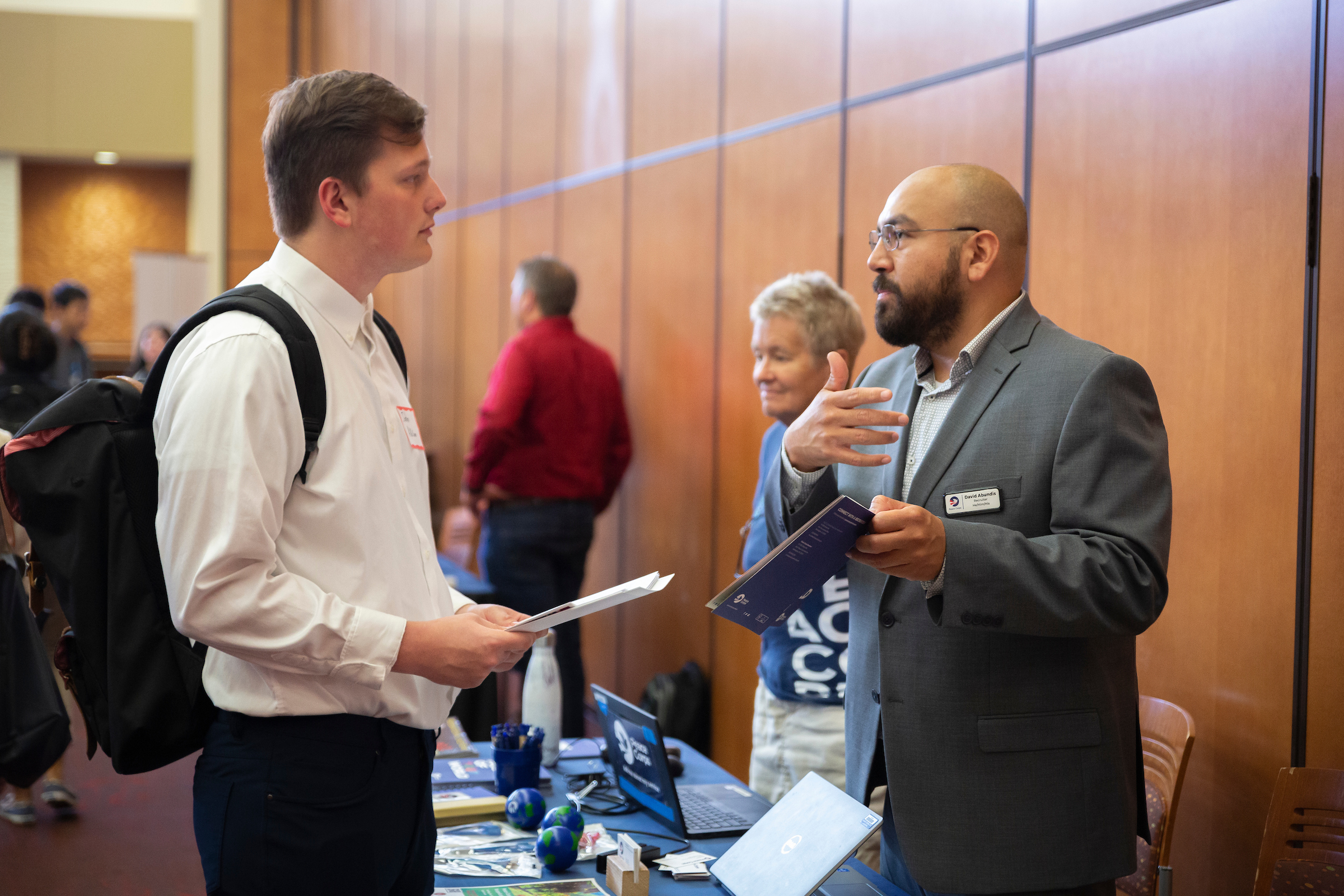
Find a Job or Internship
Handshake simplifies your job or internship search by providing postings from a vast number of employers on a single platform. Learn about Handshake’s search functionality to help identify the right job or internship for you!

Get Personalized Recommendations
Customize your notifications and job recommendations on Handshake based on your career interests to find the right opportunities for you!
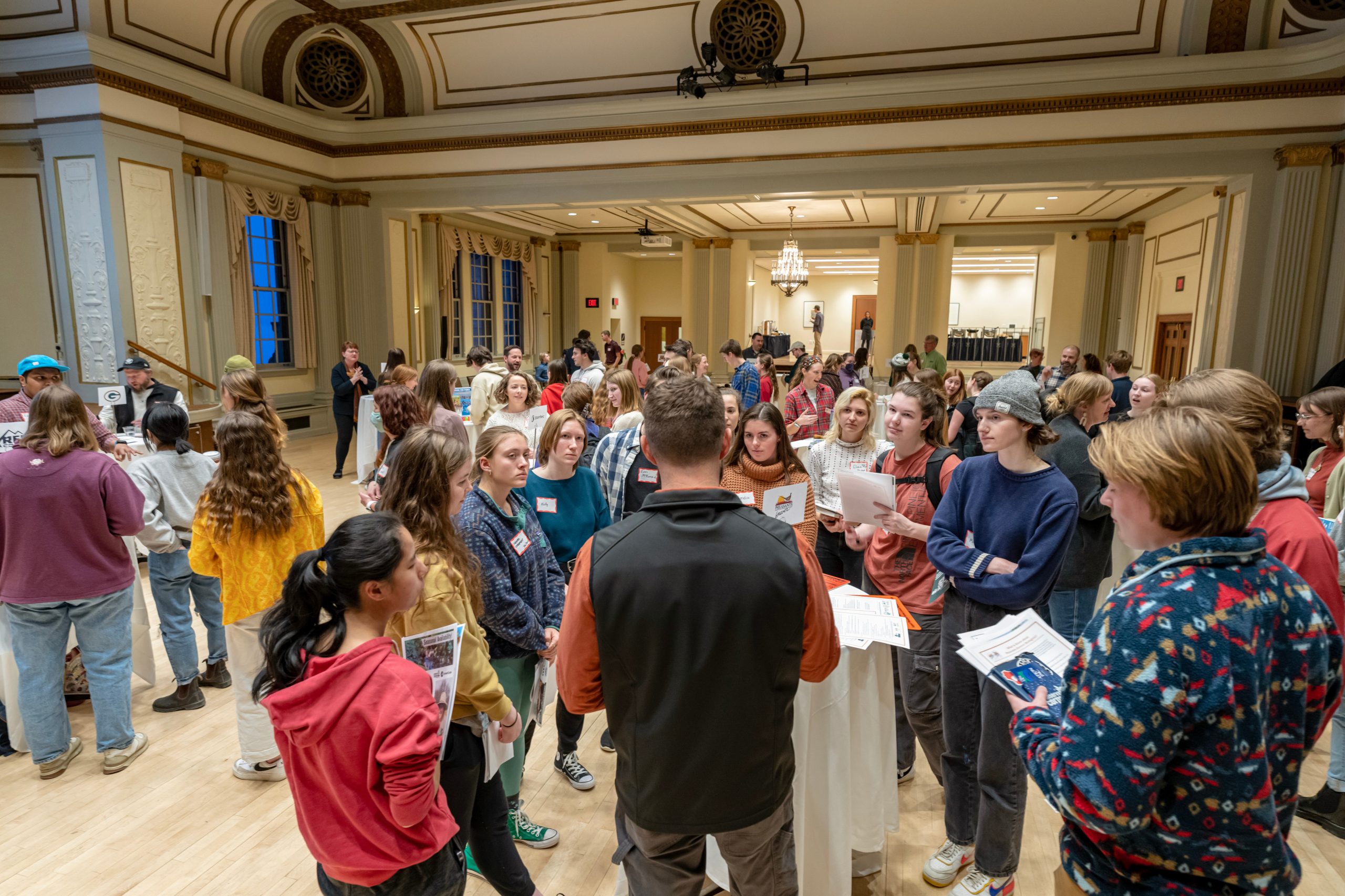
Discover Campus Career Events
Find events offered by your career center like career fairs, employer meet and greets, resume workshops, and more. Find the right career events for you!
Helpful Ways to Use Handshake
One of the best ways to interact with Handshake is through the mobile app! Handshake offers a free mobile app for both iOS and Android devices in the respective app stores.
Handshake knows that students are busy, and convenience is key. You can use Handshake’s mobile app to:
- Explore events, fairs, and jobs
- Apply for jobs
- Access and register for on-campus interviews
- View and respond to messages
- Receive notifications for application deadlines and upcoming events
- Check into an event via QR code
- And much more!
Work smarter, not harder by saving job searches and receiving job alerts to learn about new roles posted right away and be an early applicant.
You can also explore curated jobs, events, and career fairs within career center collections that are customized by career services staff at UW–Madison for UW–Madison students!
Want a more personal way to connect with others on Handshake? Did you know you can message students and alumni who’ve found jobs and internships through Handshake, and find out how they did it?
You can also message employers who have an active job posting or have messaged you!
Any student, alumni, or employer you see in Handshake with a “Message” button listed on their profile has indicated that they’re open to connecting.
Following an employer in Handshake has many benefits as it provides notifications to you when key activities occur that you may be interested in. This includes when a new job is posted to your school, the employer is hosting an event, or the employer is attending a fair at your school. Learn how to follow employers on Handshake here.
Handshake Help Resources
If you are an enrolled, degree-seeking, or capstone student you automatically receive a UW–Madison Handshake account. You do not need to create an account, you just need to activate your existing account by logging in to Handshake with your NetID credentials.
Three ways to log in to Handshake:
- Download and log in through the Handshake mobile app with your NetID credentials
- Log in with your NetID credentials at wisc.joinhandshake.com
- Use the Handshake tile within MyUW and login with your NetID credentials. Not sure what your NetID is? Utilize the NetID recovery tool.
Please note that your profile’s default setting is set to “private” so employers, alumni, and students won’t be able to see anything until you changing your profile privacy settings.
If you experience issues logging into Handshake, contact the DoIT Help Desk. For questions about utilizing Handshake, schedule a career advising appointment with your school or college career office or explore the Student & Alumni Handshake Help Center.
All enrolled, degree-seeking students and capstone students have access to a UW–Madison Handshake account.
Alumni who earned a degree from 2014-present also have access to an account and do not need to create their own. Alumni who earned a degree before 2014 and would like a UW–Madison Handshake account can fill out this account request form.
Current UW–Madison postdocs can receive access to a Handshake student account through the Office of Postdoctoral Affairs. Please fill out this form to request an account.
Students associated with the Division of Continuing Studies, including special students, visiting students, and exchange students do not receive access to a UW–Madison Handshake account.
Learn about steps for completing your profile in Handshake, including updating information. Please note that your profile’s default setting is “private,” so employers, alumni, and other students won’t be able to see anything until you change your profile privacy settings.
- Education: The education section of your profile is populated from your UW–Madison student record and typically CANNOT be edited directly in Handshake. This includes education (degree) level, school year, majors, minors (certificates), departmental and cumulative GPA, school/college, and education end date.
- GPA: By default, your cumulative and departmental GPA is private. If you choose to make your GPA public, the information is visible to employers only (not other students or alumni).
- Education end date: The pre-populated education end date in Handshake is pulled from the intended completion term (ICT) you submit in your student center. When you update your ICT, your Handshake account will reflect this change within 2 days.
If you have recently switched schools or colleges within UW or made changes to declared major(s) or certificate(s), once that information is processed by the school/college or academic department and entered into the student information system, the information will then be updated within your Handshake profile.
Note that there may be a delay between when you submit information to a school/college or academic department and when it is entered into the student information system.
Once you see updated information in your student center, Handshake should reflect that same information within 2 days.
To find events, navigate to “Events” on the left hand navigation menu within Handshake. There are numerous filtering options, including category filters for career fairs, events hosted by employers, and more. Review Discover Events & Fairs in Handshake to learn more about all the filtering criteria available.
Once you find a career fair or event you want to attend, select the fair/event to see the full event details. To register, select the black “Register” button (typically on the upper right corner).
Make sure to read over the event details to see if there is any additional information you should be aware of to prepare for your upcoming event!
By default, your UW–Madison cumulative and department (major) GPA is hidden. If you choose to make your GPA public, the information is visible to employers only (not other students or alumni).
To change the visibility of your cumulative or department GPA, navigate to your Handshake profile. In the Education section there is a pencil icon. Select the pencil icon to make edits and then select (or unselect) the “Hide cumulative GPA” and/or “Hide department GPA” check box. Make sure to select “save and close” when you have completed changes. Review How to Edit Education Information on Your Profile to learn more.
Please note that your profile’s default setting is set to “private,” so employers, alumni, and students won’t be able to see anything until you change your profile privacy settings.
Report (flag) the employer in Handshake or email the suspicious employer or job posting to info@careers.wisc.edu. When reporting, please include documentation of the concerning or suspicious behavior or recruitment practices.
Career Services at UW–Madison has tips on avoiding job scams and fraudulent employers.
- For questions or issues related to logging in to Handshake, accessing your account, or your NetID information, contact the DoIT Help Desk.
- For questions about using Handshake, schedule a career advising appointment with your school or college career office or explore the Student & Alumni Handshake Help Center.
- For any additional questions, email info@careers.wisc.edu.
Recruiting Expectations & Policies
UW–Madison has recruiting expectations and policies for students, alumni and employers. By using Handshake, students, alumni, and employers agree to their respective expectations, guidelines, and policies:
UW–Madison’s Handshake Use Legal Disclaimer
Handshake is a platform where employers seeking to hire UW–Madison students can advertise job opportunities. UW–Madison does not vet employers who advertise on Handshake and makes no representations about the reputation or safety of the employer, nor does UW–Madison warrant the accuracy of the job description or compensation. Students who use Handshake to find employment are responsible for conducting their own inquiry to determine whether the job opportunity is appropriate for them.
Employers: Looking to post job or internship opportunities?
UW-Staff Members: Looking for information and resources?